

Global Broker Regulation Inquiry App
About WikiFX
English
简体中文
繁體中文
English
Pусский
日本語
ภาษาไทย
Tiếng Việt
Bahasa Indonesia
Español
हिन्दी
Filippiiniläinen
Français
Deutsch
Português
Türkçe
한국어
العربية
اردو


AMP Futures Login – How to Access Your Trading Account?

WikiFX
|


Abstract:Step-by-step guide to AMP Futures login and account access. Learn how to register, verify, and securely log in to your AMP Futures platform.
How to Get Started with AMP Futures?
Step 1: Visit AMP Futures official site and click “Sign Up.”
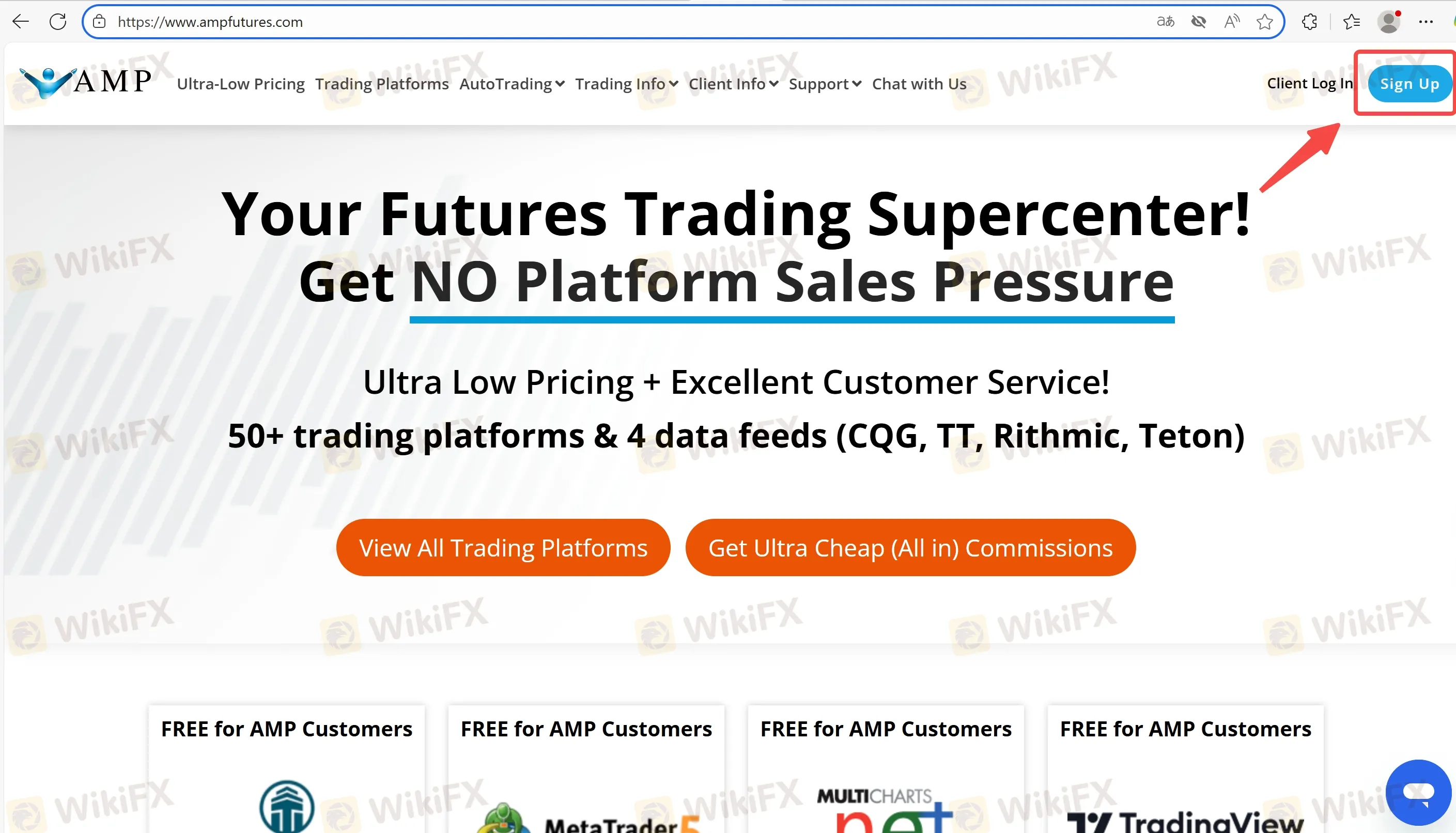
Step 2: Fill in personal details, contact info, and trading experience.
Step 3: Upload ID and proof of address for KYC verification.
Step 4: Once approved, receive login credentials via email.
Step 5: Download MT5 or the futures platform and log in using your details.
Secure Login Practices for AMP Futures
We recommend enabling two-factor authentication (2FA) if available and never sharing your password. Always log in via the official platform or secure broker URL.
FAQs about AMP Futures Login
Q: Can I use the same login for MT5 and the client portal?
A: No, trading platform and portal logins are separate.
Q: What if I forget my password?
A: Use the “Forgot Password” option on the client portal.
Q: Is there a mobile login option?
A: Yes, MT5 and some futures platforms support mobile login.
Q: Can I log in before verification?
A: No, you must complete KYC to trade live.
Q: Is AMP Futures login secure?
A: Yes, if you use official links and enable extra security measures.
Q: Can I have multiple logins?
A: Yes, each account type gets unique credentials.
Disclaimer:
The views in this article only represent the author's personal views, and do not constitute investment advice on this platform. This platform does not guarantee the accuracy, completeness and timeliness of the information in the article, and will not be liable for any loss caused by the use of or reliance on the information in the article.
WikiFX Broker
Latest News
57 Booked in Pune Forex Scam Probe: The Fake Trading App Checklist Every Indian Investor Needs
WikiFXAccused of a RM123 Million Crypto Scam, He Fled to Malaysia and Claimed He Was Robbed
WikiFXAfrica's 10 Strongest Currencies in July 2026: Naira Absent
WikiFXU.S. and Japan Stand Ready for Further Coordinated Yen Intervention, Treasury Warns
WikiFXYen Retreats After Coordinated Intervention
WikiFXRinggit Flat Near RM4.09 After US Factory Data Surprise
WikiFXHF Market Review – A 1.76 Score, an Unverified CYSEC Licence, and a Frozen Account
WikiFXSri Lanka Rupee Slides 7.9% in H1 2026 as Bank Steps In
WikiFXMarket, Limit, and Stop Orders in Forex Explained Simply
WikiFXApple Faces Lawsuit Over Fake Crypto App Exposing $1.8 Million Theft
WikiFX